Your AI SEO Website Auditing Checklist
It’s not just humans that use search anymore. Artificial intelligence plays a huge role in…

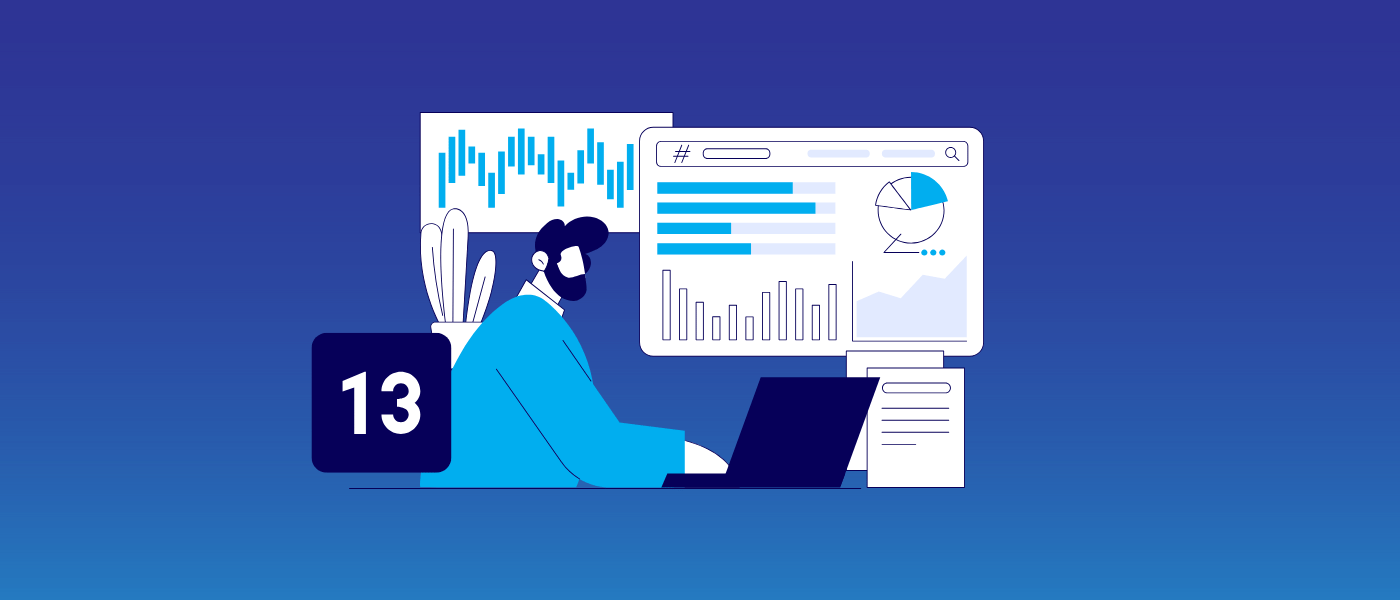
Technical SEO is a fundamental aspect of search engine optimization. Without it, your other off-page and on-page efforts will be fruitless. That’s because technical SEO takes a look under the hood of your website and delves into the inner workings of your site in search of any gremlins that might be holding it back from achieving success in the SERPS (search engine results pages). Technical SEO audits look for issues with indexing, page loading speeds, linksHyperlinks, also known as links, are the connection points on a webpage that take you to other webpages., and website code. If any of these elements are out of whack, you can say goodbye to those all-important rankings, visibility, and sales.
The problem with technical SEO is that – as the name suggests – it can be complex and often requires specialist knowledge to get it right. This can put a lot of website owners off from dipping their toes into technical SEO. However, there is a massive range of tools available that can help simplify the technical SEO process. With so many around, it can be difficult to know which ones are actually worth using, but don’t worry! We’ve handpicked the best technical SEO tools you should use now.
If you don’t use the tools that are available to you, some SEO tasks just won’t be possible. Technical SEO test tools allow you to accurately measure important elements like page load speeds, which is not something you can guess.
Aspects that technical SEO tools can help with:
With so many tools on the market, knowing which ones to use can be tricky. Here are our top picks of the best tools around and what they can be used for.
GSC is a helpful free tool by Google that helps you keep an eye on your website’s keywordKeywords are the words and phrases that potential customers might search for to find your business. rankings position in the SERPs and the impact of any technical SEO changes you make. In terms of technical SEO, these are the GSC features you should be focusing on:
GA4 is another free technical SEO tool that looks at your engagement metrics, including the amount of organic trafficOrganic search traffic (sometimes called natural or unpaid search) is the traffic that's driven to a website because of unpaid placement on a search engine results page. you have and how visitors interact with your site in real time. Important metrics to look at when using GA4 are the bounce rateBounce rate is the percentage of visitors to a website who visit only one page. A high bounce rate indicates that visitors are not satisfied with your website. and dwell time. The first refers to how often users click off your site without exploring your other pages, and the latter relates to how long users stay on your pages. If the bounce rate is high or the dwell rate is low, it might signal that your website has a page loading problem that needs fixing.
Another free tool from Google that is essential for monitoring technical SEO is Google PageSpeed Insights. We’ve already mentioned that page loading speeds are an integral part of SEO, and it’s just one of the many elements Google considers when indexing and ranking. PSI uses approximations to give detailed information on mobile and desktop loading times. Although it only gives estimations, these are trusted to have high accuracy. If it finds issues with how your pages load, it will give you pointers on what you need to fix.
Google takes a mobile-first approach to ranking. In other words, if your website isn’t mobile-compatible, it will struggle to rank highly in the SERPs. Enter the search engine’s Lighthouse tool to test website mobile friendliness. It looks at performance, SEO, accessibility, and progressive web apps. When you are running a report, select the categories you want feedback on to receive in-depth analysis. As well as testing how mobile friendly a website is, it also looks at the desktop version of your site.
Now, we couldn’t compile a list of the best SEO tools out there without shouting about our own free SEO audit report tool. Our clever tool will provide an audit report of how your web pages stack up against over 50 signifiers and suggest fixes for any issues it throws up.
Some of the signifiers our tool measures your pages against include:
To use it, simply enter your chosen URL and get a report with helpful recommendations emailed straight to you.
One of the best SEO crawling tools out there is Screaming Frog. In particular, this tool is great for spotting duplicate content and any issues relating to your URL structure that could hinder Google and other search engines from crawling and indexing your pages. Other technical problems it can spot include:
Next up is Ahrefs. Now, this isn’t a cheap option, with its pricing starting at $99 per month for the most basic package, but it’s certainly worth it. In a nutshell, Ahrefs is one of the best tools around for technical SEO. It’s great for keyword researchKeyword research helps websites unearth the best keywords to drive traffic and visibility. This research is supported by a number of powerful web-based tools, the best of which we’ve listed here., backlink analysis, and SEO audits. It can consistently monitor your site for issues and flags them to you as it finds them.
Semrush is another one of the most popular technical SEO tools out there. However, its sole purpose isn’t just technical SEO, it’s designed to assist with many other types of digital marketing. If you only want to concentrate on the technical side of SEO, then it’s probably best not to invest in this tool because you wouldn’t get the most value out of it. Semrush has information on your website traffic and keyword rankings.
This handy tool will help you test your website’s loading speed and performance for user experience. It gives you information on performance metrics such as load times and visual stability. Allows you to test your website’s speed from different locations under device and connection settings. It gives you a waterfall analysis in a chart to help you pinpoint specific elements that are slowing down your pages.
MozBar is a Google Chrome browser extension that gives you real-time SEO insights when browsing websites and the SERPS. When on any website, you’ll be able to click on the MozBar to see:
It’s a great tool to use on your pages and your competitors.
With the W3C Validator, you can check your website’s code. It’s a bit like a spellchecker but for code. When you enter your URL into the tool, it scans the HTML, CSS, and other elements of your code. When it finds issues, it tells you how to fix them so you can benefit from easier crawling and indexing, better user experience, better technical SEO with issues like broken links and incorrect header tags being found, and improved accessibility.
This tool is an extension available for Chrome, Edge, Firefox, and Opera. It’s a helpful free tool that helps SEO and web professionals analyze elements of your web pages that can impact your technical SEO.
Some of the things it can help with:
Those pesky Google algorithm updates are the bane of every digital marketer’s life. Yes, Google announces its official updates, but it also does a lot of work in the background, making tweaks to algorithms that it doesn’t announce. So, how do you know that your website is up to speed? That’s where the Barracuda Panguin tool comes in. It tells you whether your site has had its rankings affected by an algorithm change by using your website’s GA4 data.
If you want to make carrying out technical SEO tasks a whole lot easier, these tools will help. Each tool helps to make your site easier to crawl for search engine bots, which is more likely to give you success in the SERPs. If technical SEO is still leaving you scratching your head, then our Technical SEO Service and wider SEO Services are here to help – reach out to our friendly team today.

It’s not just humans that use search anymore. Artificial intelligence plays a huge role in…

When a Google core update is being rolled out, digital marketers everywhere eagerly wait to…

Here is how to find the perfect link building partner, download today!

On March 24, 2026, Google announced that it was rolling out its latest spam update…

In 2026, digital PR services are essential for any brand wanting to build lasting authority…
Simply appearing on a search page isn’t enough anymore, not in today’s world driven by…

Follow vs nofollow links have been debated in digital marketing for years. Questions are often…

Citations are a long-standing SEO trust signal that helps increase visibility in local search results…

Picture this: you're working at an SEO agency, managing multiple clients and delivering strong results…
You may have heard that Google has rolled out a notable new update: the February…

Search is evolving quickly. Large Language Models (LLMs) and Google AI overviews now have a…
Fill out the contact form or give us a call for a free consultation to determine the right digital marketing solutions for the growth of your business.

The team will usually respond within 1 hour.